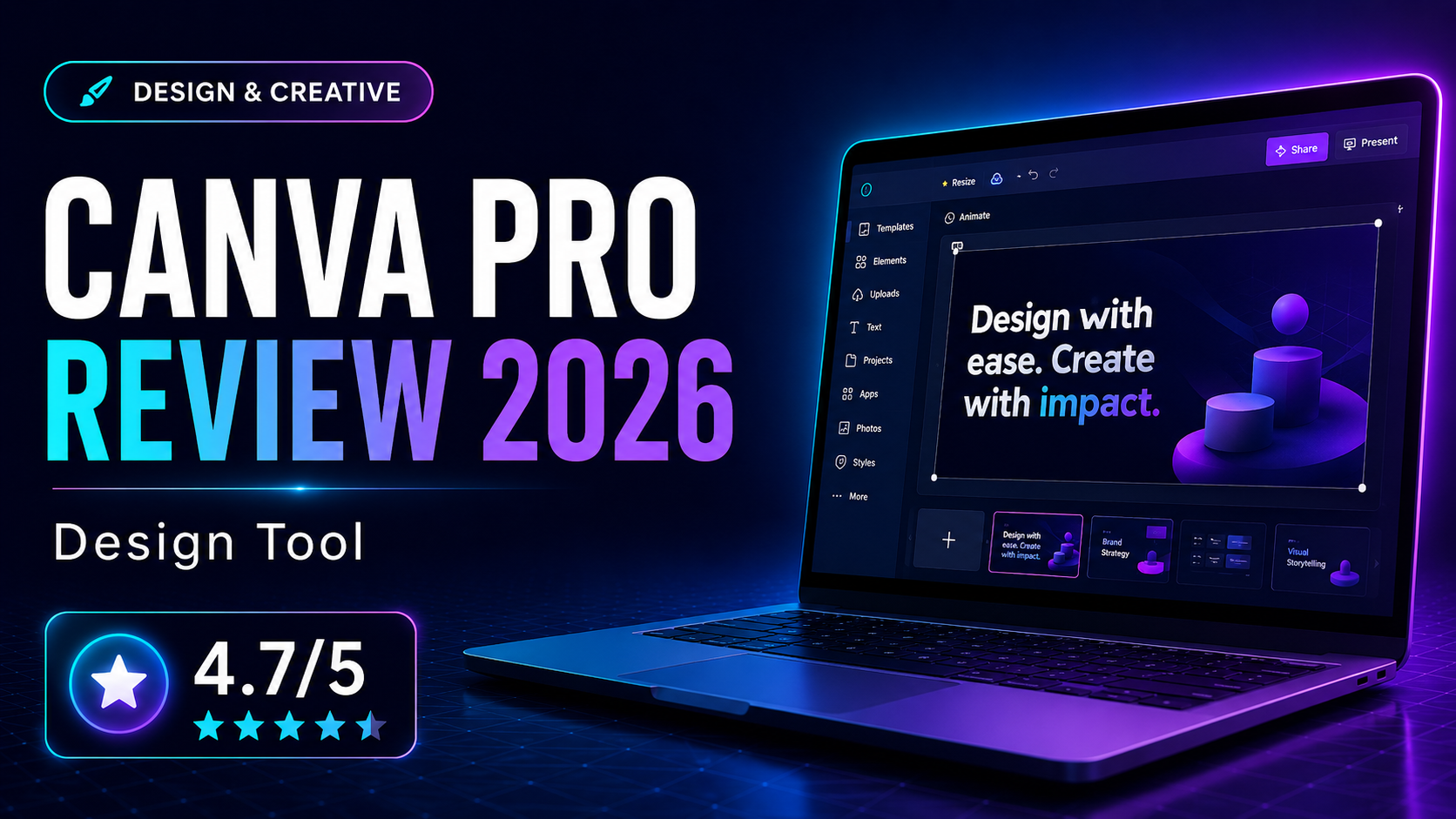
Canva Pro has become a staple tool for marketers and creators who need fast, polished visuals without a steep learning curve. We reviewed whether the paid version delivers enough practical value beyond the already generous free plan.
What Is Canva Pro?
Canva Pro has become a staple tool for marketers and creators who need fast, polished visuals without a steep learning curve. We reviewed whether the paid version delivers enough practical value beyond the already generous free plan.
How We Evaluated It
We evaluated Canva Pro for social graphics, blog visuals, presentation design, quick brand assets, and simple video content. We also looked at the benefit of premium templates, Brand Kit, and AI tools for small teams producing content at speed.
Key Features and Strengths
Low-friction design creation
Canva Pro is one of the easiest design platforms to adopt. Users can move from idea to usable visual quickly, which is why it fits busy marketers so well.
Templates, assets, and Brand Kit
The premium asset library and brand controls are where much of the paid value comes from. They reduce repetitive work and help teams keep visual output consistent.
AI-assisted editing
Magic-style editing tools are useful for speeding up everyday content tasks. They do not replace specialist creative software, but they can significantly improve output speed for common marketing needs.
Pricing and Value
For many small teams, Canva Pro is easy to justify because it replaces or reduces the need for multiple separate design resources. The value is strongest when several people create branded content regularly and need speed more than pixel-perfect design control.
Who It Is Best For
- Creating social and blog visuals quickly
- Giving non-designers a practical creative workflow
- Maintaining simple brand consistency across assets
- Producing presentations and lightweight marketing graphics
Who Should Look Elsewhere
- You need advanced illustration or production workflows
- Your team already relies on more specialist design systems
- You rarely create visual content
Alternatives to Consider
Adobe Express
A strong alternative for users already in Adobe’s ecosystem.
Figma
Better for UI-heavy collaborative design rather than marketing graphics.
Frequently Asked Questions
Is Canva Pro worth it over the free plan?
Yes for frequent content creators, especially if you need Brand Kit, premium assets, and faster editing tools.
Who should buy Canva Pro?
It is best for marketers, creators, and small businesses that need design output without hiring a full design team.
Final Verdict
Canva Pro remains one of the best-value design subscriptions for marketers and creators. It is approachable, fast, and genuinely useful when content production is part of your weekly workflow.