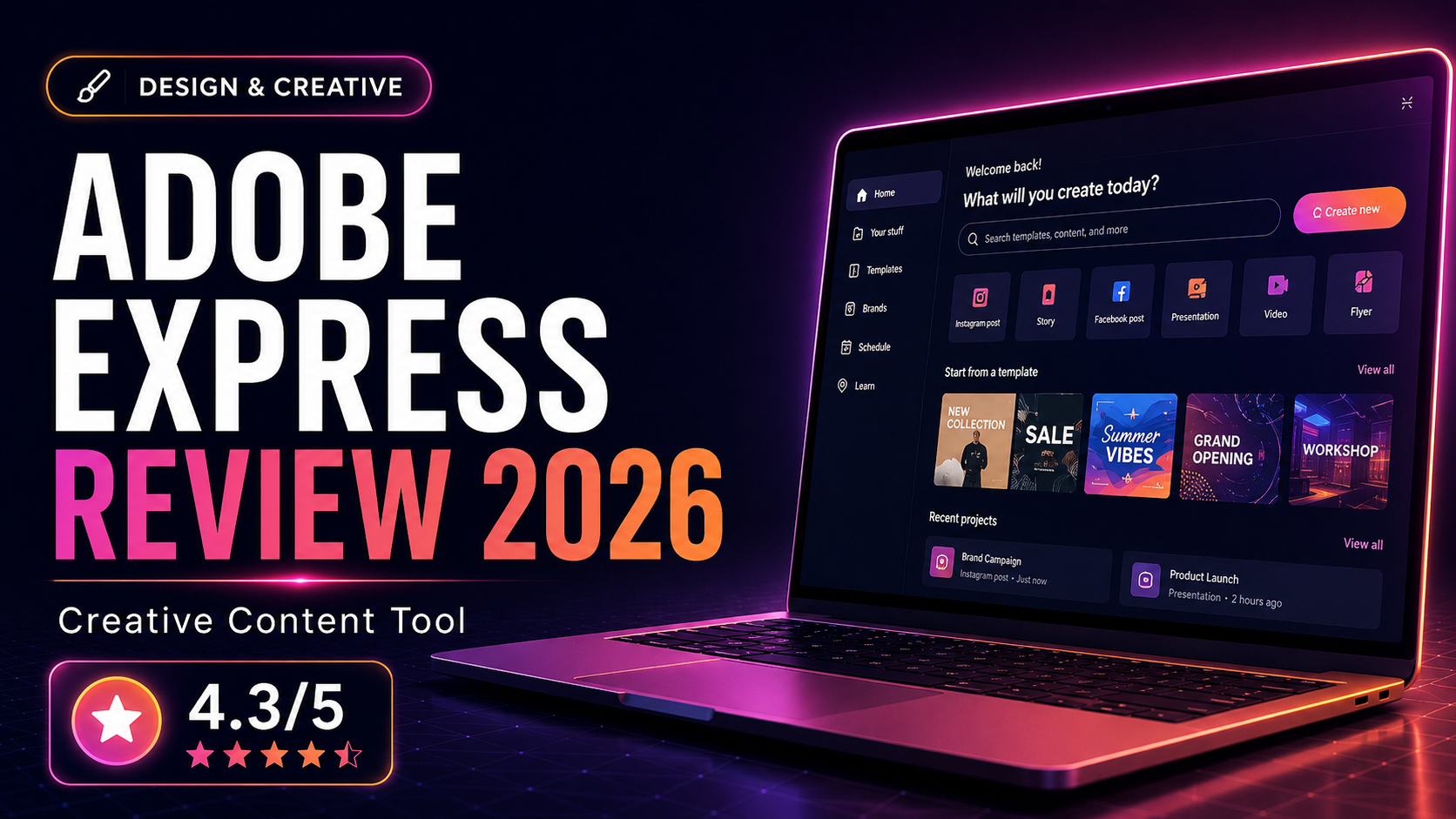
Adobe Express is designed to simplify content creation for users who want fast graphics, social posts, and lightweight branded assets without opening more advanced Adobe applications. We evaluated whether it is a serious Canva competitor or mainly an ecosystem convenience.
What Is Adobe Express?
Adobe Express is designed to simplify content creation for users who want fast graphics, social posts, and lightweight branded assets without opening more advanced Adobe applications. We evaluated whether it is a serious Canva competitor or mainly an ecosystem convenience.
How We Evaluated It
We reviewed Adobe Express for social media design, quick marketing graphics, simple branded documents, and ease of handoff for users who already work with Adobe’s broader product line. We also considered how approachable it feels for non-designers.
Key Features and Strengths
Adobe ecosystem alignment
The clearest advantage of Adobe Express is how naturally it fits into an Adobe-centered workflow. If your team already uses Photoshop, Illustrator, or Lightroom, Express can become a convenient speed layer.
Quick branded content creation
Express works well for everyday marketing assets where speed matters more than intricate design control. It offers a practical middle ground between template tools and pro creative software.
Useful for mixed-skill teams
Teams with both designers and non-designers may appreciate how Express supports quicker collaboration around brand assets without requiring everyone to use heavier creative tools.
Pricing and Value
Adobe Express offers good value when it complements other Adobe subscriptions or helps small teams produce branded content more efficiently. Its standalone value is still respectable, but its best appeal comes from ecosystem convenience.
Who It Is Best For
- Creating social and marketing assets inside an Adobe-led workflow
- Supporting brand consistency for content teams
- Giving non-designers a lighter Adobe option
- Producing quick visual content without advanced setup
Who Should Look Elsewhere
- You want the broadest template ecosystem
- You are completely outside the Adobe ecosystem
- You need the simplest possible tool for beginners
Alternatives to Consider
Canva Pro
Often the easiest and most popular option for non-designers.
VistaCreate
Another lightweight design alternative with a template-first approach.
Frequently Asked Questions
Is Adobe Express better than Canva?
It depends. Adobe Express is especially appealing for Adobe users, while Canva is often easier for the broadest range of beginners.
Who should choose Adobe Express?
Teams already invested in Adobe products usually get the most from it.
Final Verdict
Adobe Express is a good tool, especially when it extends an existing Adobe workflow. It may not replace Canva for every user, but it is a credible alternative for brand-focused teams that value ecosystem integration.