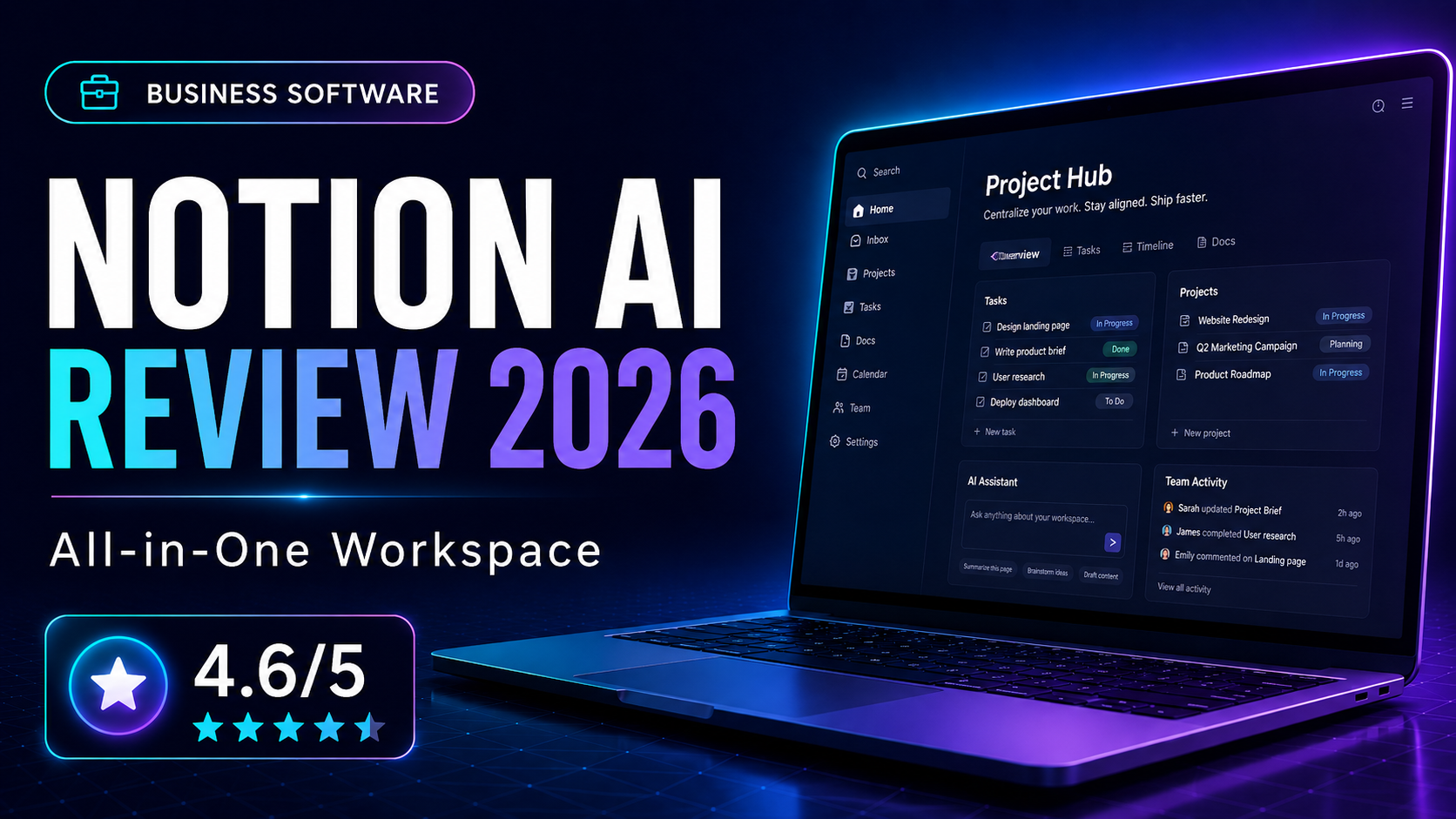
Notion AI expands a workspace platform that many teams already use for documentation, planning, and lightweight project management. We assessed whether the AI layer genuinely improves productivity or simply adds another upsell to an already popular tool.
What Is Notion AI?
Notion AI expands a workspace platform that many teams already use for documentation, planning, and lightweight project management. We assessed whether the AI layer genuinely improves productivity or simply adds another upsell to an already popular tool.
How We Evaluated It
Our review focused on note-taking, internal documentation, project organisation, meeting summaries, and using AI to draft, summarise, and search within workspace content. We also paid attention to how quickly a small team could become productive.
Key Features and Strengths
All-in-one information architecture
Notion’s power comes from combining docs, databases, and views in a single environment. This makes it especially useful for teams that want one place for planning, SOPs, content calendars, and internal knowledge.
AI inside the workspace
Notion AI is strongest when it works with your existing information. Summaries, action items, and draft generation become more useful when they happen in context rather than in a separate tool.
Flexible but setup-heavy
Notion can adapt to many workflows, but that flexibility requires structure. Teams that spend time organising templates and naming conventions get much more long-term value.
Pricing and Value
Notion offers a generous starting point, but the AI add-on and higher-tier collaboration features increase cost as the team grows. For many businesses, the value is not just writing assistance, but replacing several disconnected tools with one central workspace.
Who It Is Best For
- Building team wikis and knowledge bases
- Running lightweight project and content workflows
- Using AI to summarise meetings and documentation
- Consolidating multiple internal systems into one workspace
Who Should Look Elsewhere
- You want specialised project management with more control
- You need excellent offline access
- You prefer a very simple plug-and-play tool
Alternatives to Consider
ClickUp
Better if project management depth is the priority.
Coda
A comparable flexible document-database hybrid.
Frequently Asked Questions
Is Notion AI worth the extra cost?
It is most worthwhile for teams already committed to Notion as a central workspace, because the AI becomes useful through context.
Can Notion replace several tools?
For many small teams, yes. It can consolidate docs, wikis, and some project workflows, though not every business will want that level of centralisation.
Final Verdict
Notion AI adds real value when you already use Notion heavily. It is not the simplest tool on this list, but it can become a powerful operating system for knowledge-driven teams.